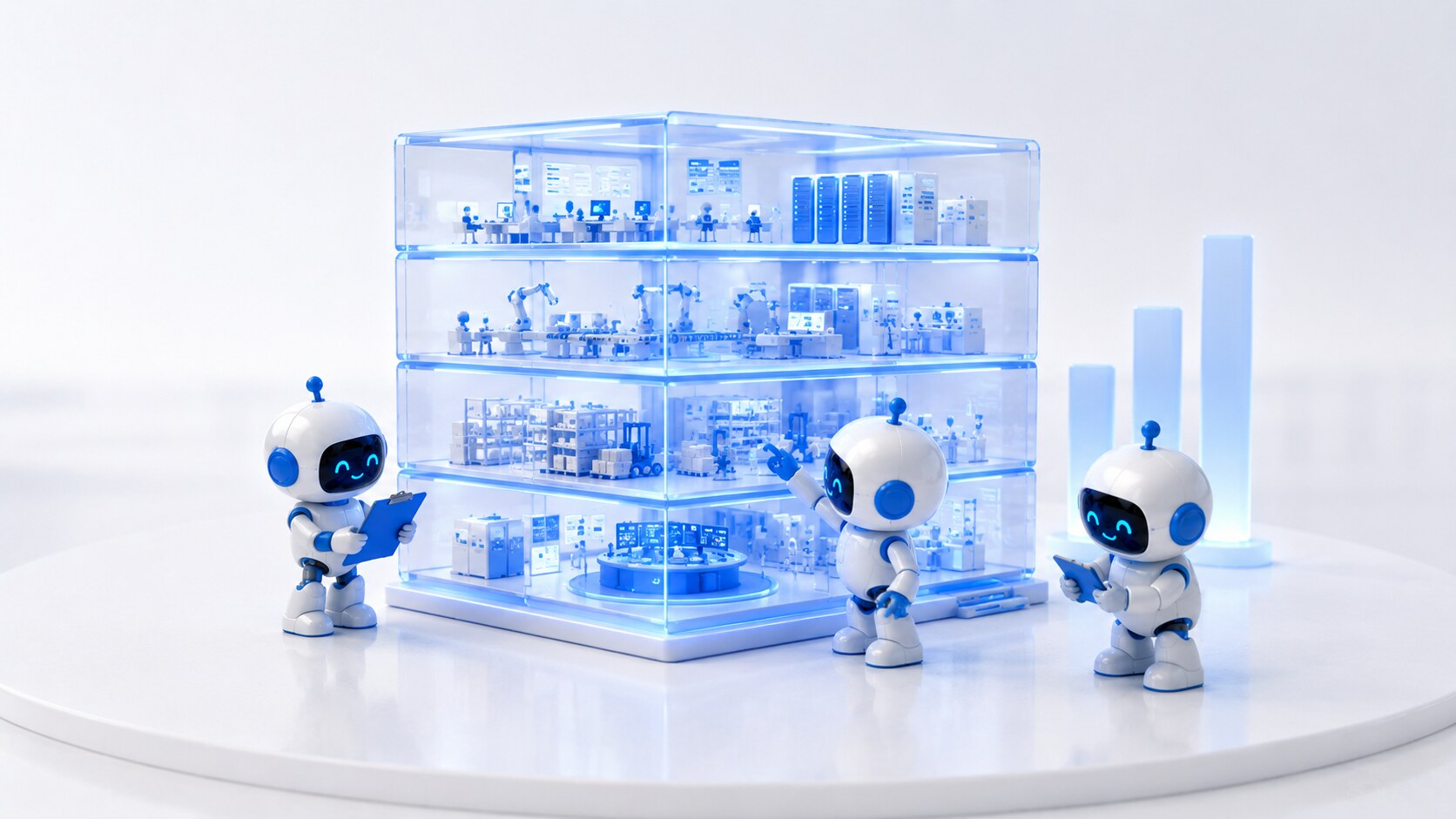
Three Sticklebrick robots inspecting a translucent blue cross-section model of an operation across four floors — calm, forensic, the work in progress.
— 01
The work

The bricks already in the wall.

Live work, not a portfolio reel. Every Sticklebrick engagement is a single AI brick added to an operation that was already running. Below is the work that’s shipped — a UIC investment-club portfolio monitor, FleetGenie reading the vehicle straight from the manufacturer for Bluepoppy, and FieldGenie running the field engineer’s whole day for a large South West FM operator.

Three case studies below · more land as engagements ship


— 02 Case study · 01

University & Literary Investment Club. A portfolio monitor that never sleeps.

UIC is a long-standing university investment club running a concentrated 26-name global equity watchlist across the FTSE 100, FTSE 250, S&P 500, Nasdaq and Dow. The members are part-time analysts with full-time studies. They needed an agent that would do the patient, repetitive monitoring work for them — hourly through the trading day, and once a month at depth — and give them a clear stance to defend at the next meeting.

Engagement · E—02 Pilot · E—03 Integrate Sector · Finance / Education
Status · Live

The brief

Build a calm, evidence-based portfolio monitor that watches a 26-name watchlist continuously, surfaces what’s actually moved and why, and translates the noise into a single recommended stance: Bull, Balanced or Bear. The members keep the vote. The agent keeps the watch.

What we built

  • Hourly Monitor Live trading-day view. Index closes, top movers, name-level price action, fresh headlines threaded against the 26-name watchlist.
  • Monthly Monitor Long-form review. Refreshed bull and bear cases for each name, an Overweight / Neutral / Underweight call, 28-day chart and a 6-month forward scenario.
  • Stance engine Aggregates the watchlist signals and outputs a single house view — Bull, Balanced or Bear — with the reasoning shown, not hidden.
  • Ask Claude A research input box inside the dashboard. Members research any company — not just the 26 — and get back a synopsis in the exact format of a watchlist card.

How it sits in the operation

  • Hosting Two Netlify sites, redeployed automatically each refresh. Public read-only dashboards, no login friction for members.
  • Cadence Hourly through the trading day. Full long-form refresh on the 1st of each month.
  • Inputs Live index closes, name-level price action and current headlines — routed through trusted data partners, not scraped.
  • Output Two dashboards plus an on-page research agent. Members read, debate, vote. The brick sits next to the analyst, not above them.
Watchlist26 names · 5 indices
RefreshHourly · Monthly
StackClaude agents · Netlify
StatusLive · in members’ hands

— 03 The stance engine

Bull. Balanced. Bear.

Every refresh, the agent collapses the watchlist into one of three house stances — with the case shown openly, not buried in a black box. The members read it, argue with it, and take the vote.

Bull When the signal lines up Lean in

Breadth widening across the watchlist, OW calls outnumbering UW, momentum confirmed by fresh earnings or guidance. The agent recommends tilting toward the names where the bull case is freshly evidenced — and names the three it would buy first.

Balanced When the picture is mixed Hold the line

OW and UW calls roughly even, leadership rotating across indices, no decisive macro signal. The agent recommends staying invested but trimming the noisiest positions, and lists the names whose stance has flipped since last review.

Bear When the case is breaking down Step back

UW calls dominant, bear cases strengthening across multiple sectors, scenarios skewed negative across the 6-month forward view. The agent recommends raising cash and flags the names it would exit first — with the reason on the card.


— 04 See it running

Two dashboards. In the members’ hands.

Both monitors are public, read-only and refresh on their own cadence. Open them in a new tab and let them run alongside whatever you’re doing — that’s how UIC members use them.

Live links open in a new tab · Both sites refresh automatically · No login required


— 05 What we learned

The brick belongs to the analyst.

L—01

The agent monitors. The members decide.

The stance engine never sends an order. It produces a defended view, in the format the members already use to argue with each other. The vote stays human, and the audit trail stays clean.

L—02

Show the reasoning on the card.

Every OW / N / UW call carries a one-paragraph bull case and a one-paragraph bear case on the same tile. Nothing is buried. If a member disagrees, they disagree with the argument, not with a number.

L—03

Two cadences beat one.

An hourly view answers “what just moved?”. A monthly view answers “what do we believe now?”. Splitting them keeps the daily noise out of the long-form review, and keeps the monthly review out of the trading day.

L—04

Make the off-list research first-class.

The “Ask Claude” box on the monthly dashboard turned out to be the feature members reach for most. Letting them research anything in the watchlist format — not just the 26 names already on file — is what made it part of the meeting, not adjacent to it.


— 06 Case study · 02

FleetGenie · Bluepoppy. The van finally talks to the operation.

Bluepoppy runs vehicles for a living. FleetGenie is the live platform that reads manufacturer telematics straight from the vehicle — no hardware, no black box — and turns it into eight working modules across operations, safety and cost, and strategy. The van stops being a blind spot and becomes context the whole operation can act on.

Engagement · E—03 Integrate Sector · Fleet / Vehicle mgmt
Status · Live

The brief

Read what the vehicle already knows — direct from the manufacturer, with zero hardware to fit — and put it in front of the operation as eight live modules. Win the account on a sharp Core price; deliver the margin, and the driver-retention win, through the add-on layer. The fleet keeps running. FleetGenie makes it legible.

What we built

  • Eight live modules Overview, Fleet, Predictive Servicing and Driver Checks; Driver Behaviour, Journey Planning, Fuel & Emissions and Drive Health; plus EV Transition — all on OEM data, live today.
  • Zero-hardware telematics Reads manufacturer connected-vehicle data straight from the vehicle. Nothing to fit, nothing to maintain, nothing to rip out.
  • Drive Health & Wellbeing A wearable band feeds fatigue and heat signals to the driver’s phone; FleetGenie prompts rest and hydration before it becomes an emergency. Managers see a “needs a break” flag, never raw vitals.
  • Land on Core, profit on expand A sharp Core price wins the account; the driver app and wellbeing add-ons carry the margin at near-zero marginal cost.

How it sits in the operation

  • Pricing £95/mo platform fee plus £11.99 per vehicle on Core; driver app and wellbeing add-ons priced per vehicle on top.
  • Data architecture Layer 1 live on OEM telematics; Layer 2 adds a driver app and TomTom for speed limits, van routing and behaviour; Layer 3 optional feeds, fuel cards and trackers.
  • The margin lever Per-vehicle Core margin is thin by design — profit comes from the base fee and add-on attach, with OEM data cost the biggest lever to negotiate at volume.
  • Guardrails Health data is special-category: explicit consent, positioned as a wellbeing indicator not a diagnosis, kept clear of medical-device rules.
Modules8 · live on OEM data
HardwareNone · reads the vehicle
StackOEM telematics · TomTom
StatusLive · Bluepoppy Group

— 07 Case study · 03

FieldGenie · a large South West FM operator. Every job, sorted.

A large facilities-management operator in the South West needed more than a job list. FieldGenie owns the worker’s whole day — it sequences the jobs, plans the route, delivers the engineer to the job (not just the postcode), watches progress, re-plans when reality diverges, keeps the client informed, and runs a perceive → reason → confirm → record loop on site. Every job, and every correction, becomes a labelled example. That corpus is the asset that compounds.

Engagement · E—02 Pilot Sector · Facilities management
Status · Phase 0 · proof-of-concept

The brief

Take the whole shape of a field engineer’s day — schedule, route, track, re-route, notify, navigate, arrive — and hand it to an agent that gets the engineer to the job, keeps the client informed without spamming them, and turns every visit into training data. Buy the routing maths; own the decisioning and the client-comms layer on top.

What we built

  • The day loop Schedule → route → track → re-route → notify → navigate → arrive. On a trigger — traffic, overrun, urgent insert, cancellation, delay — the route recomputes and every downstream ETA updates. Nothing is silently reshuffled.
  • To the job, not the postcode On arrival the agent hands over the site profile — entrance, floor, parking, gate and key-safe codes, who to report to, where the asset is — then the perceive → reason → confirm → record loop begins.
  • Client notifications, no spam When an ETA moves past a set threshold the affected client gets an AI-drafted, context-aware message. Quiet hours respected; every send logged.
  • Three flywheels Corpus (every job and correction), duration (planned-vs-actual per job type sharpens ETAs), and site-intelligence (access detail confirmed each visit).

How it sits in the operation

  • Honest framing The optimisation maths is a licensed provider — Google, Mapbox or HERE. FieldGenie’s own value is the AI decisioning and comms layer, and an ETA model that gets more honest from real job data. No proprietary-routing-engine claim.
  • Storage Jobs, corrections and site profiles stored server-side on Netlify Blobs — the corpus that compounds.
  • Privacy-aware tracking Location on while en route or a job is open, off when the day is done. The worker sees it; it isn’t always-on.
  • Automation trajectory Re-routing and “dispatch next job” are the bounded, reversible, evidence-gated digital actions of the later automation phase — low-risk by design.
LoopPerceive → confirm → record
FlywheelsCorpus · duration · site
StackClaude · routing API · Blobs
StatusPhase 0 · proof-of-concept

— 08 / Next step

Want a brick like this in your operation?

The UIC monitor is one shape of agent. There are others — for trade counters, fleets, service desks, finance teams. Twenty minutes on a call and we’ll tell you straight whether the right brick exists yet for your operation.